
Target Heart Rate Calculator
Calculate your personalised heart rate training zones
| Exercise Intensity | % of HR Reserve | Target Heart Rate |
|---|---|---|
| Very Light | 50 – 60% | — – — |
| Light | 60 – 70% | — – — |
| Moderate | 70 – 80% | — – — |
| Hard | 80 – 90% | — – — |
| VO₂ Max (Maximum) | 90 – 100% | — – — |
How to Use the Target Heart Rate Calculator
Training in the right heart rate zone is the difference between a productive workout and one that’s either too easy to create adaptation or too hard to sustain. This calculator gives you five personalised zones based on your maximum and resting heart rate.
Step 1: Choose how to determine your Max Heart Rate. There are two options at the top.
“Test result” means you’ve had a cardiac stress test or performed an all-out effort that revealed your true maximum. Enter that number directly — it’s the most accurate input possible.
“Estimate from age” uses a formula to predict your max HR if you haven’t tested it. You can choose between three formulas in Settings: Haskell & Fox (220 − age) is the most recognised; Tanaka (208 − 0.7 × age) tends to be more accurate for people over 40; and Nes (211 − 0.64 × age) is based on more recent research and suits active individuals well.
Step 2: Enter your Resting Heart Rate. This is your heart rate first thing in the morning before you get out of bed. Count your pulse for 60 seconds, or use the reading from a fitness tracker. It defaults to 70 bpm if you leave it blank, but entering your actual number makes your zones significantly more accurate.
Step 3: Open Settings to choose your intensity method.
The Karvonen Formula is the most personalised — it uses your Heart Rate Reserve (max HR minus resting HR) to calculate zones, meaning two people with the same max HR but different resting heart rates will get different zones.
The Borg Scale and Borg CR10 Scale calculate zones as a straight percentage of your maximum heart rate, without factoring in resting HR. Borg CR10 uses slightly different zone boundaries reflecting its 0–10 perceived exertion anchors.
Step 4: Click Calculate. You’ll see five zones from Very Light through VO₂ Max, each showing the target heart rate range in bpm. The aerobic training zone (50–85%) is highlighted in the summary.
How to use your zones in training: Zone 1 and 2 (Very Light and Light) are your recovery and base endurance zones — most of your weekly mileage should be here. Zone 3 (Moderate) builds aerobic capacity. Zone 4 (Hard) is your tempo and threshold work. Zone 5 (Maximum) is reserved for short sprint intervals and should make up a small fraction of total training volume.
Hit Save to download your zones as a text file you can keep on your phone during training sessions.
Other Calculators You Might Find Useful:
BMI Calculator — Check your Body Mass Index alongside your aerobic fitness
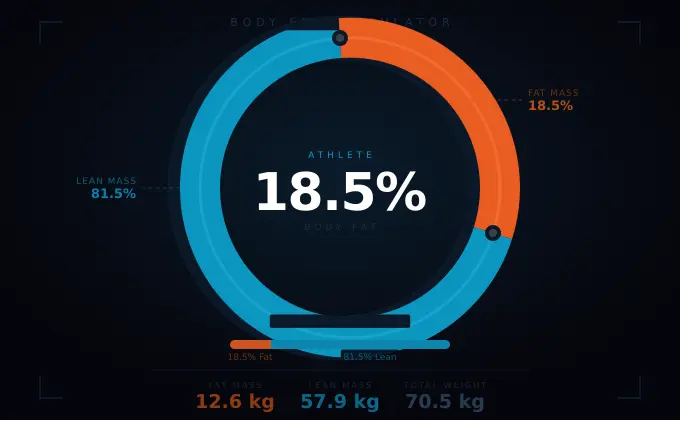
Body Fat Calculator — Track changes in body composition alongside your activity levels
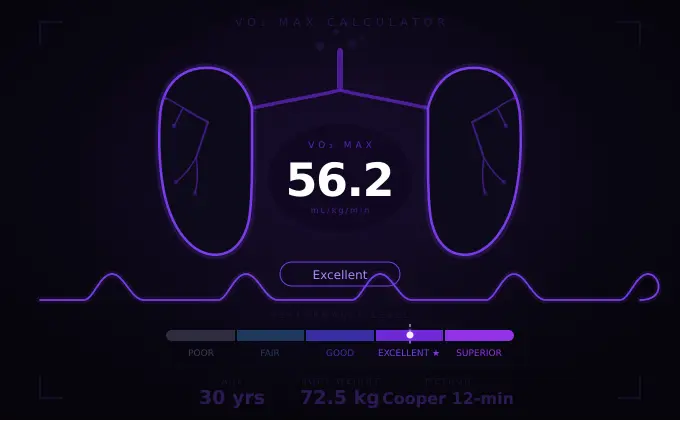
VO2 Max Calculator — Measure your aerobic capacity alongside your body composition
Pace Calculator — Calculate your running pace, finish time or distance
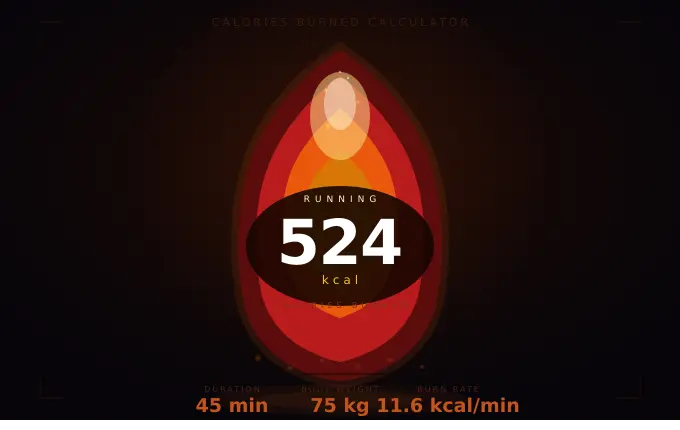
Calories Burned Calculator — Calculate how many calories you burn training in each heart rate zone